Q3 2026 Launch

Clinic Operations Platform

Tuno POS

Run billing, follow-up, consent, CRM, analytics, and inventory controls from one clinic-owned admin shell.

Built for high-trust clinics that need front desk speed, compliance control, and revenue integrity without stitching together separate tools.

Billing to schedule LINE to record Consent to audit CRM to rebooking
How Clinics Use It

One operating thread from patient message to auditable outcome.

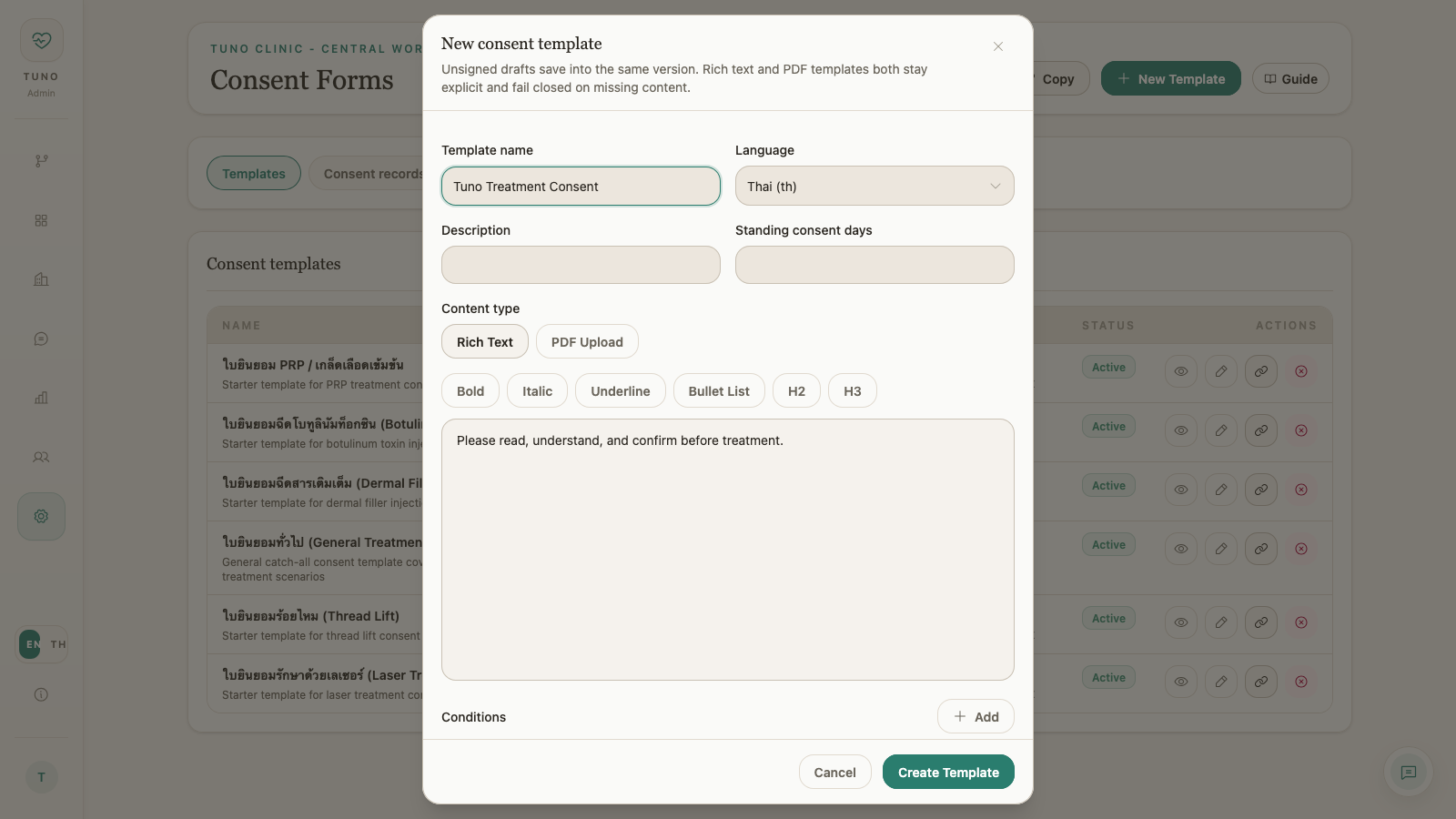
Instead of stitching together LINE, ledgers, consent files, and back-office reporting, Tuno POS keeps the commercial, clinical, and compliance story moving through one admin surface.

  1. 01

    Respond and recover

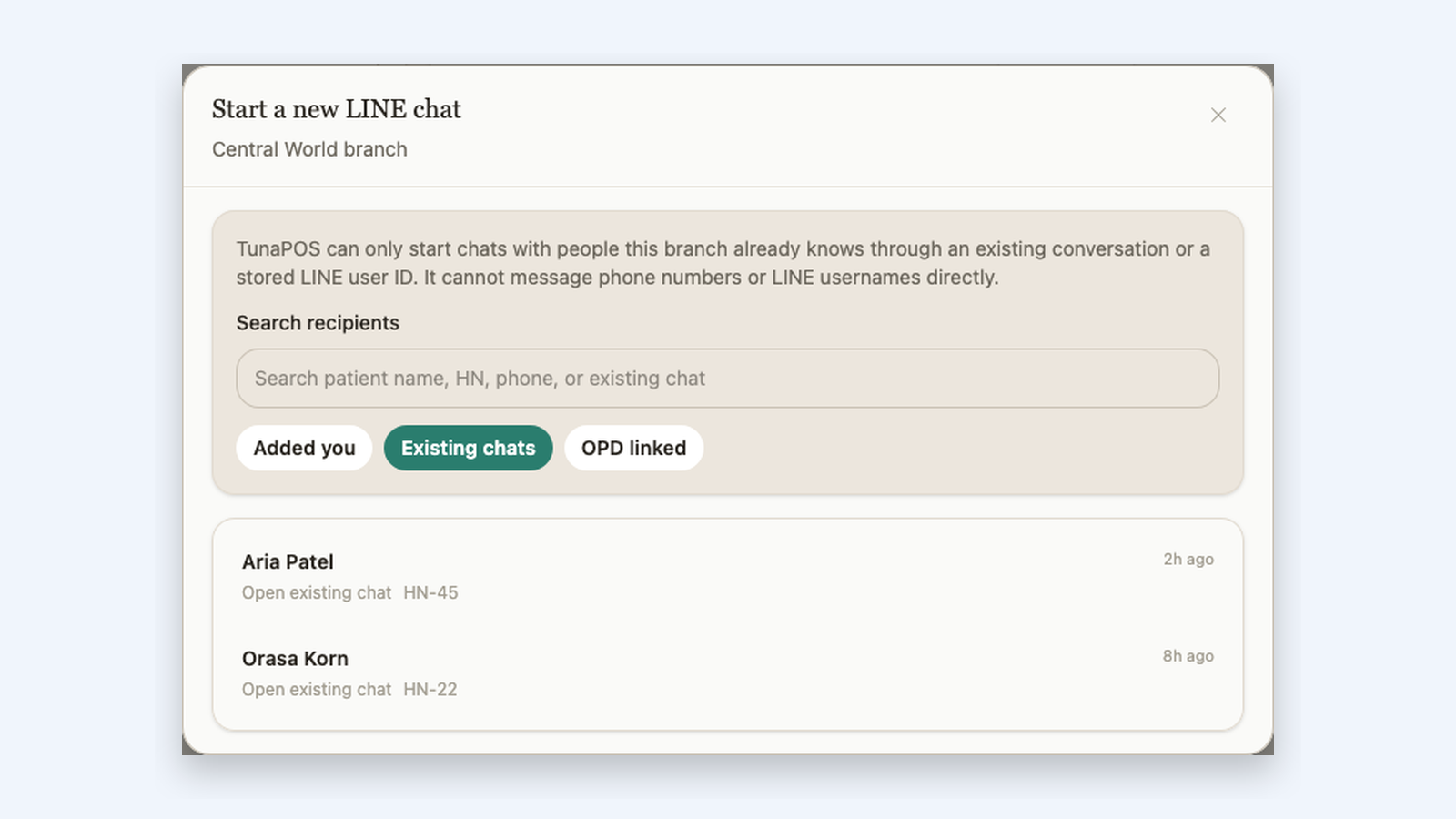
    Pick up branch-owned conversations, reopen known contacts, and move follow-up without losing patient identity.

  2. 02

    Sell and schedule

    Carry the same treatment context from invoice through payment collection and appointment fulfillment.

  3. 03

    Document and prove

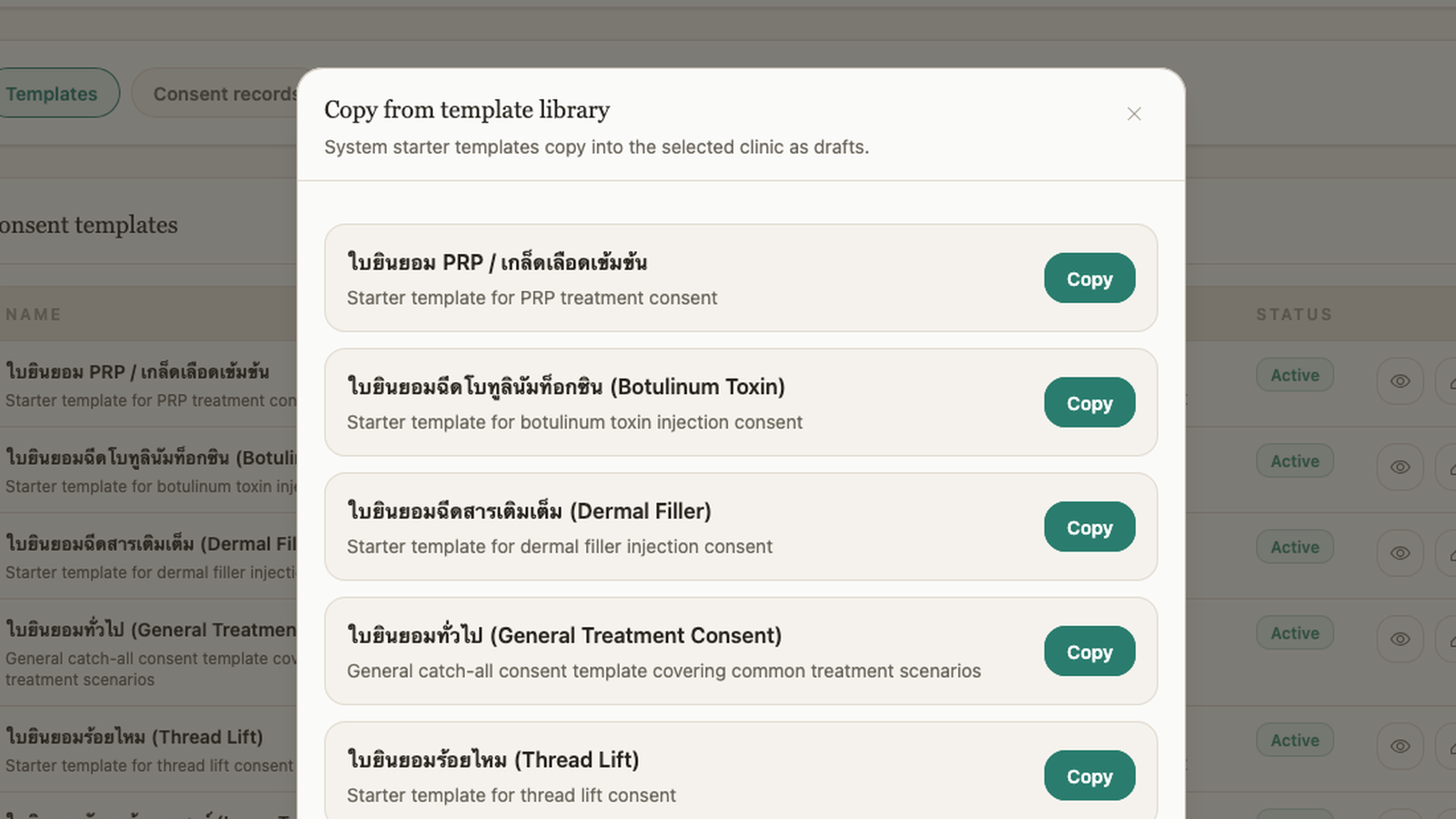
    Version consent, track inventory, and read reporting from the records staff already used in the branch.

Continue to Billing & Scheduling
Front Desk Control
Front desk Consultants Cashier

Intuitive Billing and Scheduling

Move from billing queue to collected payment to treatment scheduling without splitting the commercial record across separate ledgers and schedulers.

  • Work the billing queue with invoice, payment, and appointment status in one operational view instead of bouncing between separate ledgers and schedules
  • Keep treatment lines, collected amounts, and schedule state on the invoice itself so the commercial record stays intact from sale to fulfillment
  • Collect payment and schedule remaining treatments from the sold line without dropping the treatment context or balance state
Live workflow

Billing queue showing invoice, payment, and appointment status together

01 / 04

Tap to enlarge

Patient Follow-Up
Front desk Nurses Consultants

LINE Inbox for Front Desk Follow-Up

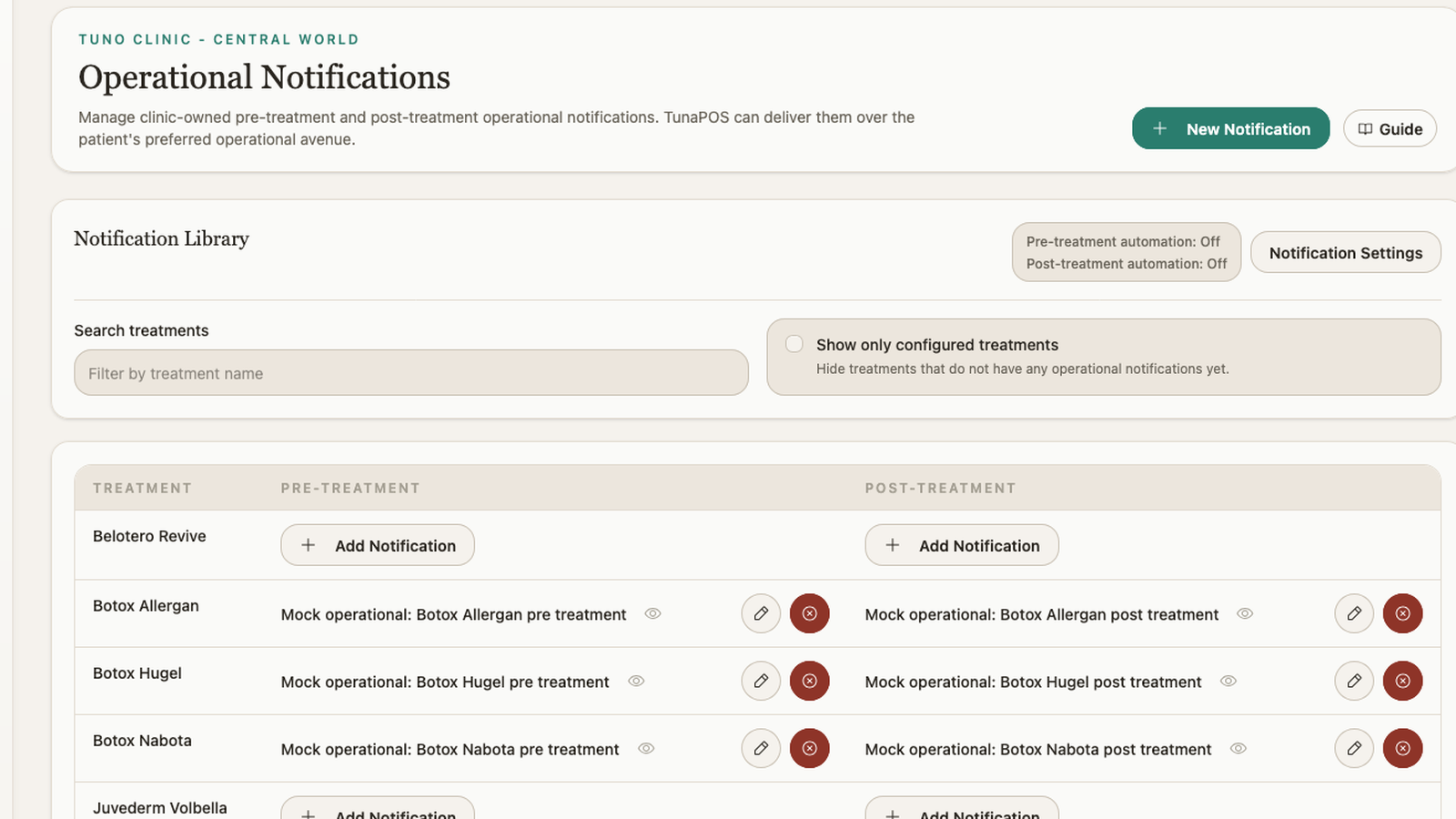
Keep branch-owned chats, patient identity, safe outbound follow-up, staff handoff, and operational notifications in one connected workflow instead of bouncing between messaging tools and clinic records.

  • Open appointment follow-up, invoices, OPD, notes, and message search straight from the thread toolbar so staff can act without leaving the conversation
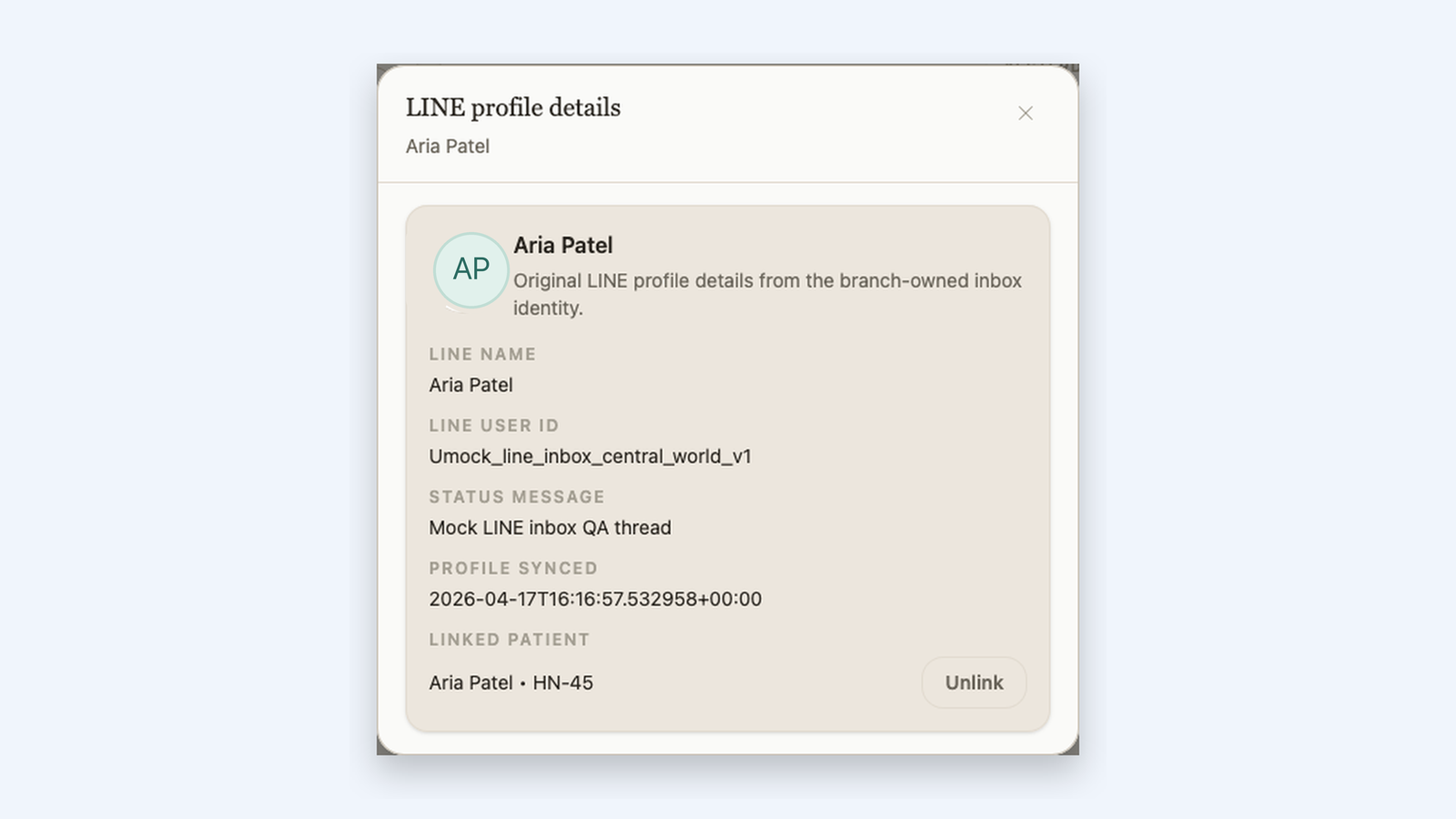
  • Reopen known contacts and keep the LINE identity linked to the patient record so staff know exactly who they are speaking with
  • Hand off conversations across staff roles and automate pre-treatment and post-treatment notifications from clinic-owned templates
Live inbox workflow

LINE inbox workspace with the conversation list, active patient thread, and toolbar actions in one view

01 / 06

Tap to enlarge

Reactivation Workflow
Marketing Front desk Managers

CRM Promotions That Stay Operational

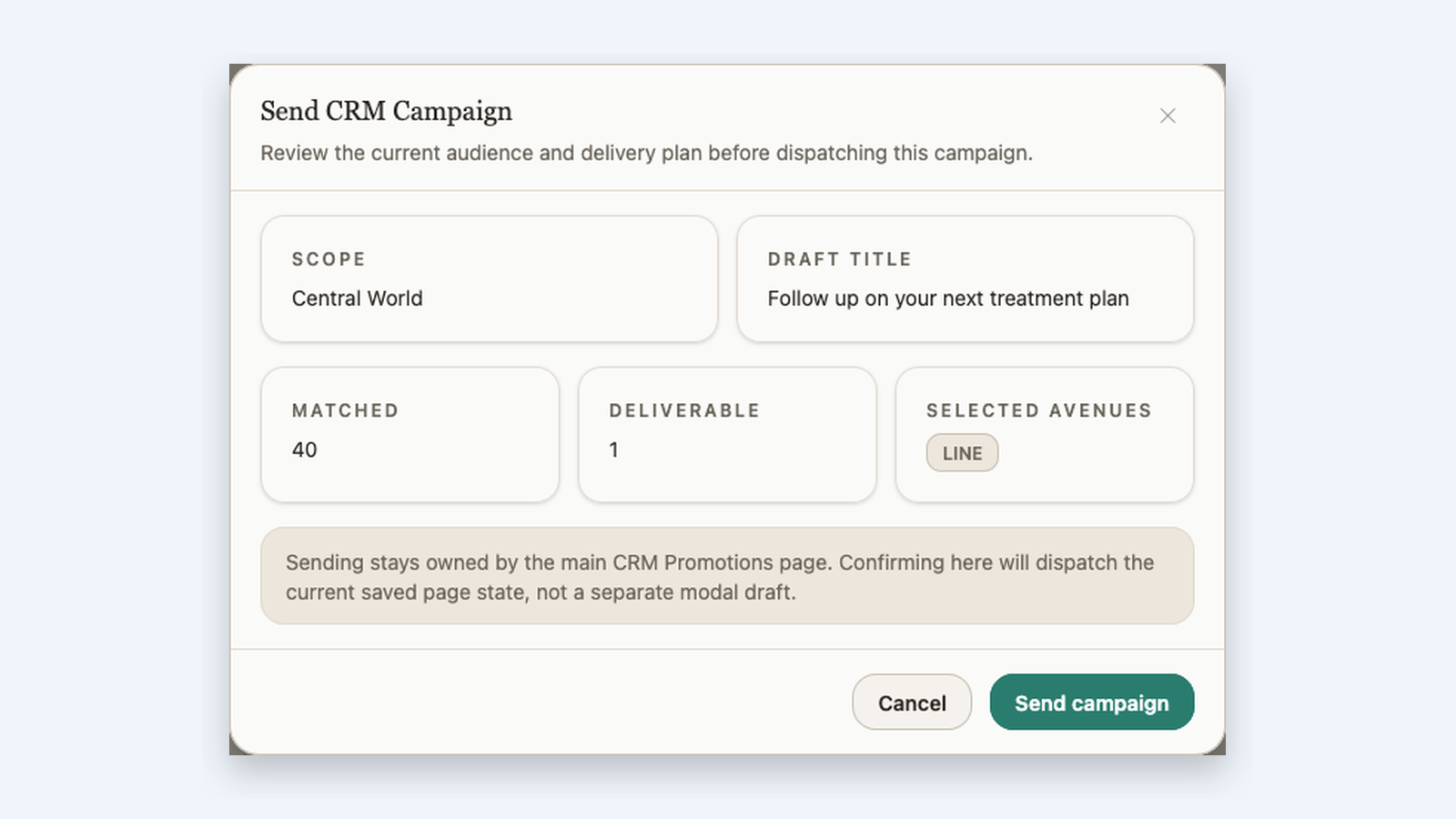
Audience building, message drafting, and send review all stay inside the admin shell, so reactivation campaigns do not require CSV exports or separate messaging tooling.
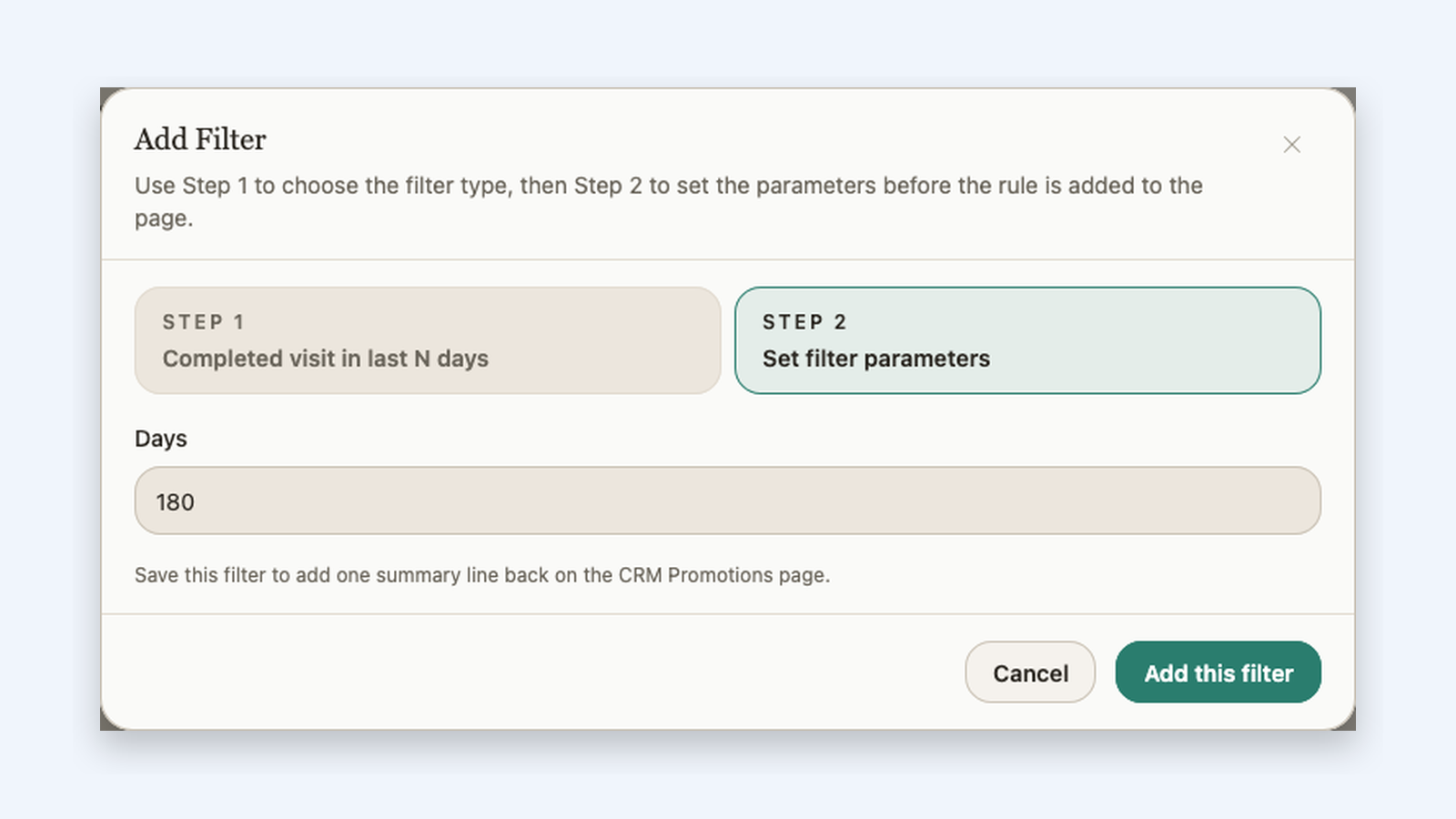
  • Build audiences through a guided two-step filter flow instead of exposing staff to one giant segmentation form
  • Draft channel-aware campaigns with preferred avenue ordering and reusable campaign context on the same page
  • Review matched and deliverable counts before dispatch so staff see the actual reachable audience before sending
Campaign workflow

CRM promotions add filter dialog with step two filter parameters

01 / 03

Tap to enlarge

Why This Product Structure Matters

The same record should power the reply, the sale, the consent history, and the report.

That is the product bet. Operators move faster when the patient thread, commercial record, and audit trail are not split across separate systems.

Patient-facing follow-up stays connected. Clinic-owned compliance stays auditable. Reporting reflects live operational records.
Operational Reporting
Managers Owners Finance

Analytics Across Every Workflow

Read revenue, patient growth, and operations from the same records staff used to run the clinic instead of exporting branch activity into separate reporting tools.

  • Revenue and billing views stay connected, from top-line performance down to payment-method mix and outstanding collections
  • Patient analytics across acquisition, demographics, retention, and lifetime value
  • Operations reporting surfaces appointment load and treatment duration patterns without leaving the admin shell
Reporting workflow

Revenue reports chart and daily totals view

01 / 05

Tap to enlarge

Audit Trail
Operations Inventory Managers

Revenue Integrity & Auditability

Connect treatment completion, stock movements, payment outcomes, and inventory reporting so leakage is easier to catch before it becomes reconciliation work.

  • Keep live stock visibility and lot-level records in the same operational workspace staff use every day
  • Surface expiry risk before it becomes write-off risk, with lot and partial-package views tied to the branch context
  • Review auditable movement history and inventory reporting without stitching together separate back-office tools
Audit workflow

Inventory workspace overview

01 / 05

Tap to enlarge

See the admin workflow live before you commit to another clinic stack.

We will walk through billing, LINE follow-up, consent operations, CRM campaigns, analytics, and inventory controls using the same operator-facing workflows shown above.